trueSpace
7 -
Felhasználói
felület
trueSpace
7 -
Felhasználói
felület [Általános leírás] [Modellezés] [Felületek] [Animáció] [Renderelés] [Specifikáció] [Letöltés]
trueSpace
7 -
Felhasználói
felület
[Általános leírás] [Modellezés]
[Felületek] [Animáció]
[Renderelés] [Specifikáció]
[Letöltés]
Hamarosan magyarul is...
Caligari pioneered the use of 3D direct manipulation controls and trueSpace7 introduces the third generation of context based 3D controls which you can easily edit. The user interface has been enhanced to provide a series of powerful and customizable layouts which support different authoring roles within a single collaborative project.
|
|
Immersive direct manipulation in photorealistic 3D space still provides full
access to the authoring tools
you need.
 |
|
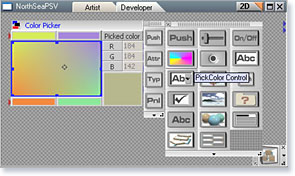
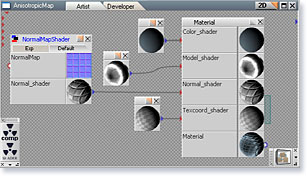
Panel Editor, Material Editor: Link Editor allows you to easily create any high level structure for any type of objects. Good examples are UI panels or advanced materials (DX9 - HLSL) which you can edit simply by dragging, dropping & linking (DD&L).
|
|
|
|
Control panel edited by user |
Material panel edited by user |
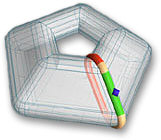
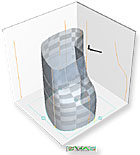
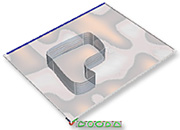
At Caligari we believe that when it comes to user interfaces, less is often more. Use the Magic Ring widget to draw 2D and 3D primitive shapes interactively in your workspace. The Draw Panel lets you to perform any 2D operation within a mini window inside your 3D workspace, while the Tri-View Panel is ideal for drawing profiles, rails and cross sections Both the Draw and the Tri-View panels let you display images on them for tracing.
|
|
 |
|
|
Magic Ring Widget |
The Draw Panel |
The tri-Panel |
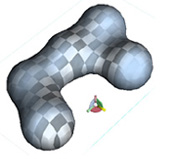
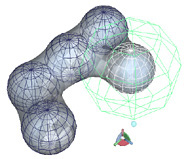
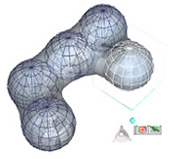
You will never get lost in trueSpace as editing is context based - you only see the tools applicable in the current context. Simply right click on a selected object and instantly you can perform editing operations relevant for that object.
|
|
 |
|
|
Selected Metaball Object |
RClick-> edited Metaball object |
RClick-> edited Metaball primitive |
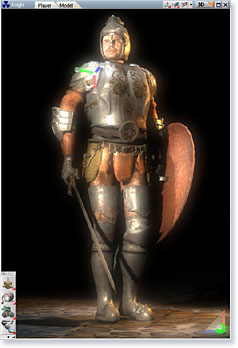
Ship by Tom Grimes; Soldier and Night Church scene by Marcel Barthel