trueSpace 7 -
Modellezés
trueSpace 7 -
Modellezés[Általános leírás] [Felhasználói felület] [Felületek] [Animáció] [Renderelés] [Specifikáció] [Letöltés]
trueSpace 7 -
Modellezés
[Általános leírás] [Felhasználói felület] [Felületek]
[Animáció] [Renderelés]
[Specifikáció] [Letöltés]
Hamarosan magyarul is...
Modeling
|
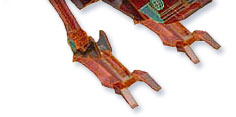
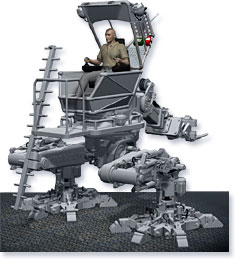
In the 3D world, there are several different modeling approaches, each offering particular advantages. With trueSpace, you have access to all of those major modeling paradigms so you can choose which best suits your project and needs. Polygonal modeling offers simplicity and control, and trueSpace has one of the best collections of such tools of any 3D application. Combined with hierarchical structures such as the robot on the right, this is an ideal toolset for low poly meshes for realtime applications and games. Retro-boy on the left has an individual polygon selected, and with direct manipulation you can move, rotate or scale precisely and |
|
|
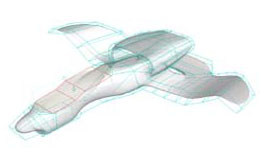
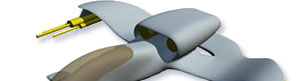
intuitively. For a smoother and more organic look, Subdivision Surfaces are ideal, as used to create the plane model below.
|
|
|
|
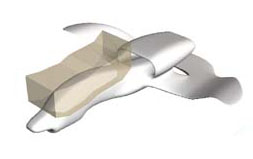
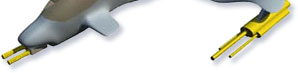
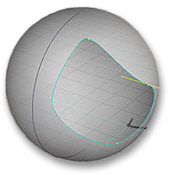
Subdivision Surfaces allow familiar tools such as Boolean subtract (seen below being used on the SDS plane model) to shape your SDS model, so using Subdivision Surfaces will not require you to completely relearn modeling skills from the Polygonal approach. |
|
|
|
|
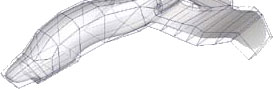
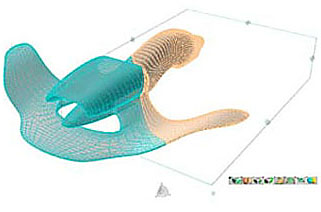
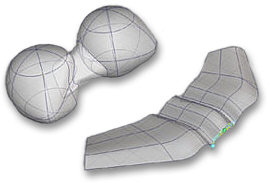
In the wireframe image on the right, the Subdivision Surfaces model has been converted to a Polygonal meshand sliced in real time with a slice tool. NURBS offer another way of creating organic models that require smooth curves. More mathematically based in their use, NURBS allow you to create curved surfaces using a minimum of control points.
|
|
|
|
Whichever form of modeling best suits a particular project, you can combine them all for truly advanced modeling that does not force you down one particular route. Be sure to read more detail on each particular approach - Polygonal, SDS, NURBS and Advanced - on the individual pages! |
|
|
|
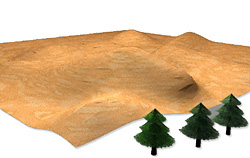
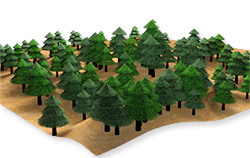
Using tools such as Geometry Paint can really save you time. For example, you can make a forest on an empty surface simply by picking up a 3D tree object to be used as a brush, and with a few "brush strokes" the forest is created. The tool allows you to control settings so that each tree need not be identical. |
|
Before |
After |
|
|
|
Both 2D and 3D primitives are now fully parameterized and provide advanced, visual, real-time controls over these parameters giving you an unprecedented degree of feedback so that your basic building blocks need not be so basic anymore. |
 |
 |
 |
 |
 |
 |
|
Space Plane model by Jeff Parish; Geometry Paint forest by Christiaan Moleman |
Polygon modeling
trueSpace7 introduces a new DX9-based real-time renderer in which you can edit significantly larger models (1M+ Polygons) at real-time speeds using DX9 pixel shaders, real-time antialiasing, and photorealistic lighting with glows and soft shadows.
|
|
|
|
Polyhedral Model enhanced with Player SDS |
Warehouse Mech |
Soft selection
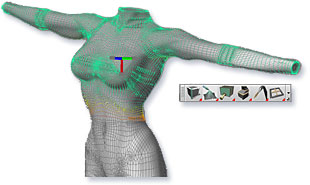
Soft selection will allow you to make natural deformations of your model with just a few mouse strokes.
|
|
|
|
Paint soft selection directly on the polyhedra |
Then drag on blue rotation widget to deform the object |
Procedural Modeling
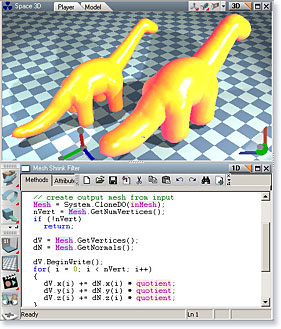
Procedural Modeling is a radical new way to create complex, and particularly interactive, objects. You can use either script (like Javascript or VB) or simply link existing objects in the Link Editor to create more complex objects.
|
|
|
|
Procedural dinos on a diet |
Procedural landscape with a procedural material |
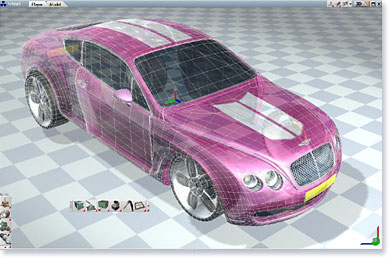
Landing Bay model (sidebar) by Paul Ashington; Bentley by Stefan Giurgiu; Warehouse Mech by Stephen Britton; Procedural Landscape by Michael Arrington
Subdivision Surfaces
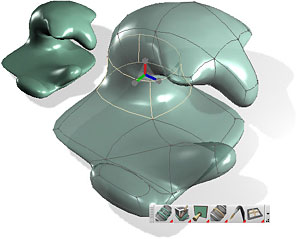
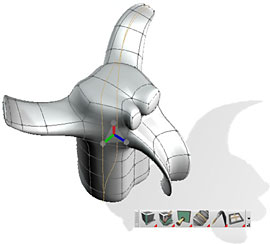
trueSpace7 introduces the next generation of Subdivision Surface modeling based on direct manipulation of surfaces.
|
|
|
|
Selection of an existing edge loop on SDS model |
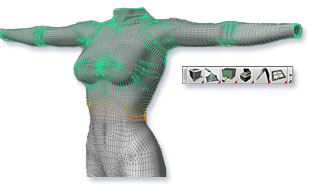
Isocurves placed directly on object surface make the editing process much more intuitive. You can select faces, edges, vertices, edge loops, face loops or use brush-like soft selection.
|
|
|
|
Adding a new edge loop to an SDS model |
Polherdral model enhanced with Player SDS |
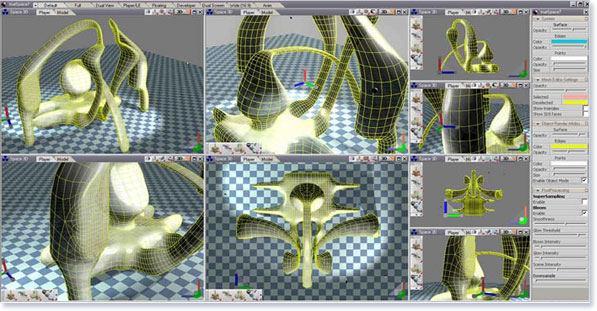
You can create any layout you desire by simply dragging and dropping any view in the existing layout and adjusting the size of the views.
|
|
Draw by freehand new Metamuscle primitive anywhere in the workspace and combine it with existing metaball shapes.
|
|
|
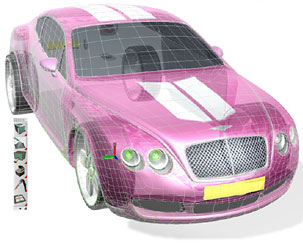
Pepo character by Oliver Rohe; Bentley by Stefan Giurgiu; SDS insectoid by Paul Ashington
Nurbs
|
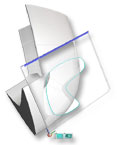
trueSpace7 offers a full implementation of NURBS tools including all Sweeps, Rails, Lofts, Skinning and Cross-sections. NURBS can be combined with stitching and blending and cut with trimming curves. All this happens in real-time, in perspective. During editing, surfaces are fully transparent making it easy to select control vertices and see edit changes precisely. |
|
|
||||||
|
|
|
The power of NURBS modeling is further increased with advanced new tools. Now you do not have to be concerned with representational details and are free to focus on your intent as a designer. |
|
NURBS with Cap |
Project Curve |
Extrude Trim UI |
Completed Extrude |
|
|
|
NURBS Wert render by Mike Harris |
Others
|
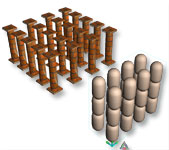
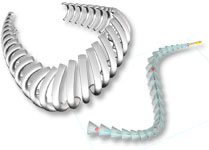
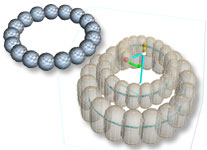
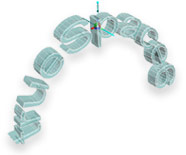
These tools are great for rows of Roman columns or arched modernistic architecture design. |
|
Grid Arrays |
Spline Arrays |
Radial Arrays |
|
|
|
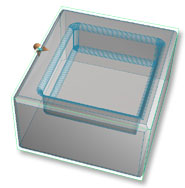
Change the resolution and radius in real-time with the arrow widget. Notice that fillets handle Boolean subtraction properly. |
|
Fillets |
Chamfers and fillets |
|
|
|
Bend, Taper, and Skew are also fun to use as the power of direct manipulation manifests itself again. |
|
Bend |
Taper |
|
|
|
Works in real-time for polyhedra - even in Surface Subdivided modes.
Mirrored Face |
|
|
|
Shelling tools allows for inside and outside shells with holes. |
|
Before |
After |